Mastodon
A decentralised microblogging network from Mastodon gGmbH: you choose a server, create an account there and follow people across the fediverse.
Web
Open source

2025.220.1915.0 · LinkedIn · Page updated
LinkedIn for Windows is the desktop app of the social network for professionals, used for networking, job search and industry news.
Average 0.0 · ratings: 0
Thank you! Your rating is saved; you can change it. Could not save the rating. Please try again later. Too many ratings from your network today. Please try again tomorrow. The average appears after 5 ratings.
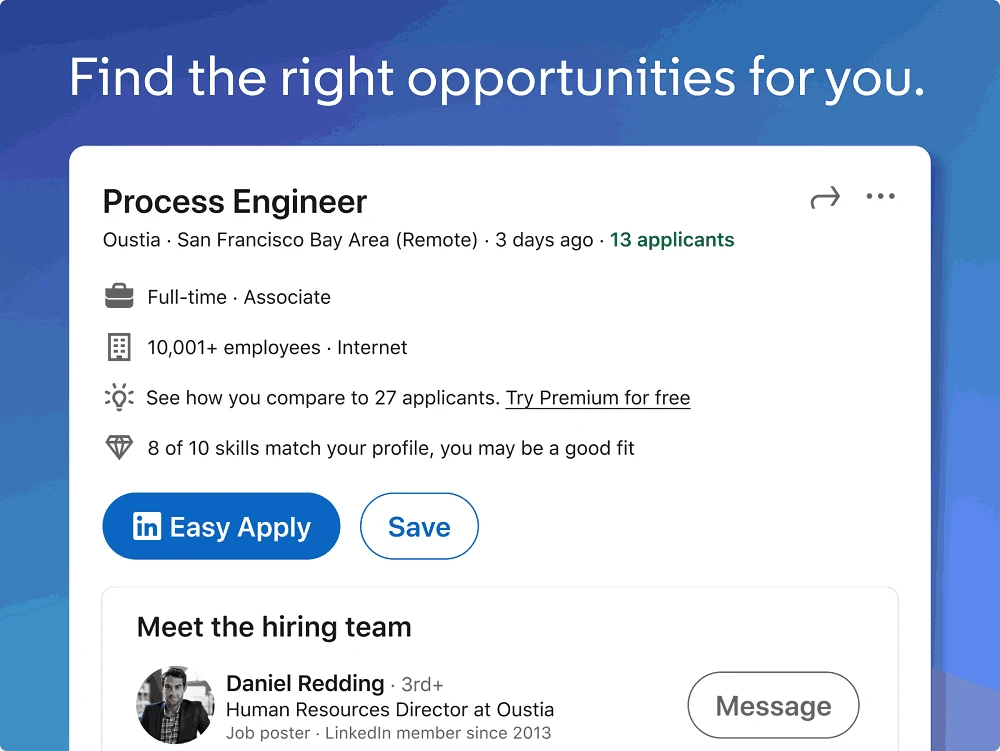
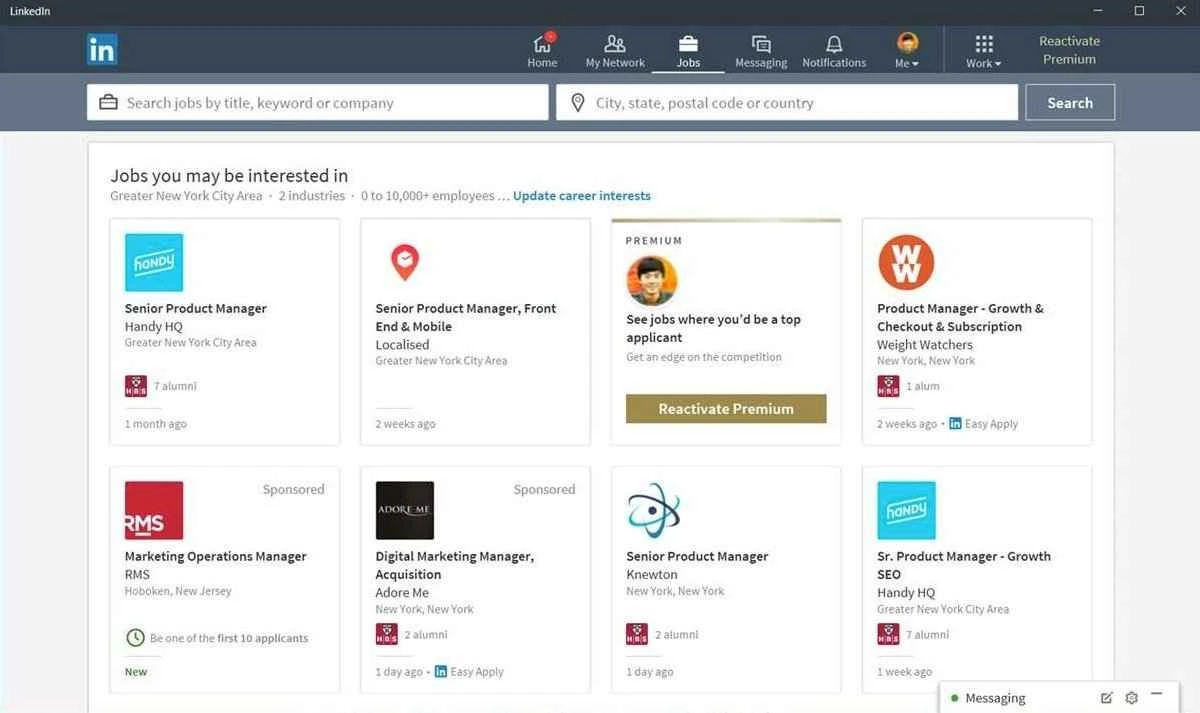
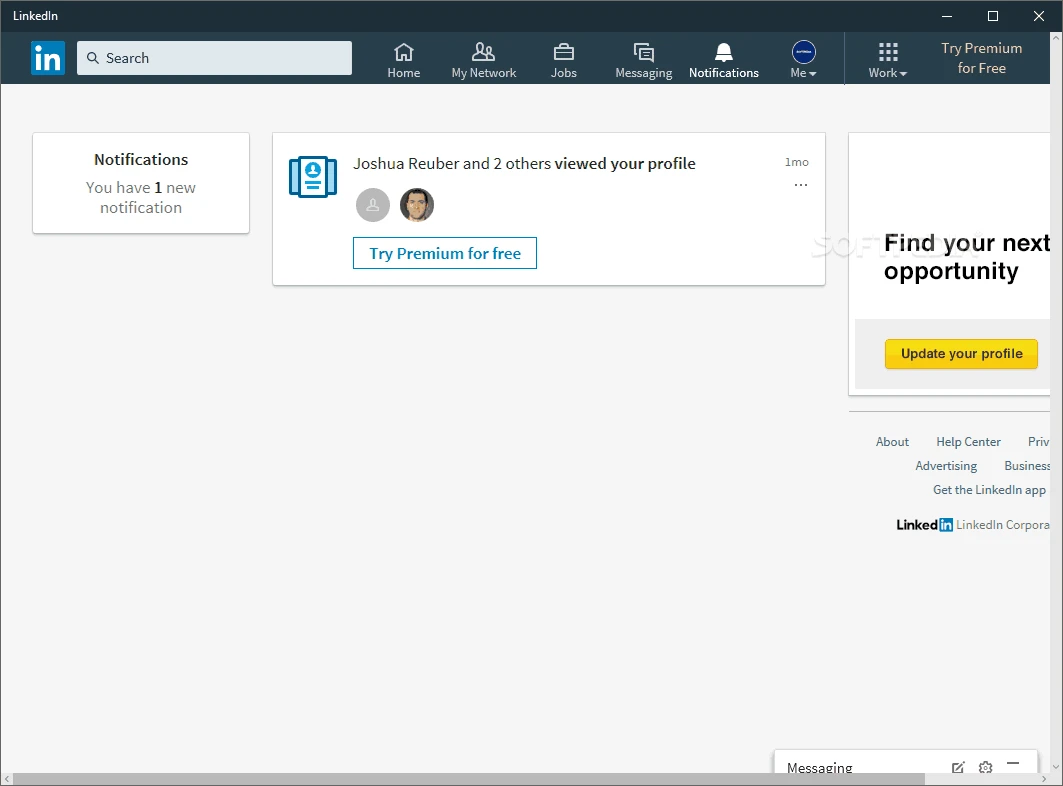
LinkedIn 2025.220.1915.0 is the Windows app of LinkedIn, the American social networking service for people in professional occupations. It brings your profile, messages, job search and news feed into a separate window on the PC, and you can download LinkedIn for Windows for free or simply use the website at linkedin.com.
LinkedIn has been online since May 2003 and works as a mix of a social network, an online community and an employment website. The Windows app suits people who spend their working day at a computer and use LinkedIn often: recruiters who message candidates, salespeople who follow contacts and companies, job seekers who check new openings and applications, and professionals who publish posts or follow news from their industry. Having it as a separate app means notifications arrive even when the browser is closed, and the network does not get lost among dozens of tabs. If you only log in once a month to update your profile, the website is perfectly sufficient and there is no need for another program on your PC. LinkedIn is also listed as a very large online platform, which reflects how many people and companies rely on it for their careers.
| Item | Details |
|---|---|
| Version | 2025.220.1915.0 |
| Developer | |
| Platform | Windows (also web and mobile) |
| Online since | May 5, 2003 |
| Price | Free |
| Size | about 99.04 MB according to catalogue data |
A professional network can eat time as easily as any other feed. Decide what you open the app for, such as answering messages or checking new jobs, and close it when that is done. Turn off notifications for likes and suggestions and keep only messages and invitations. Scheduling a short session once a day is usually enough to stay visible and responsive.
Review who can see your connections, email address and activity in the privacy settings. Be wary of job offers that ask for payment, personal documents or a move to another messenger right away; fake recruiters are a known problem on professional networks. Turn on two-step verification and never share sign-in codes. Install the app only from official sources.
Our listings include X (Twitter), Reddit, Instagram and Threads, other social networks with apps for Windows.
A decentralised microblogging network from Mastodon gGmbH: you choose a server, create an account there and follow people across the fediverse.
A decentralised social network with Facebook-style profiles, groups and long posts, connected to Mastodon and the rest of the fediverse.

Reddit for Windows is the desktop app of Reddit's discussion platform, where communities called subreddits share news, questions and posts.

Facebook Lite is the lightweight version of Facebook from Facebook Inc. This page covers build 530.0.0.8.106 listed for Windows.

The official Snapchat app for Windows from Snap Inc., available in the Microsoft Store. It runs Snapchat for Web in its own window.

X, formerly Twitter, is a microblogging service from X Corp. The Windows app puts your timeline, notifications and messages in a desktop window.

Threads is Meta's social networking and microblogging service for short public posts, connected to your Instagram account.

Instagram is Meta's photo and video social network. The Windows app brings the feed, Reels and direct messages to a PC running Windows 10 or 11.

TikTok Web is the browser version of TikTok from ByteDance, letting you watch, search and post short videos on a Windows PC without installing an app.